Master Faster
Digital Learning hub
MASTER FASTER SERIES
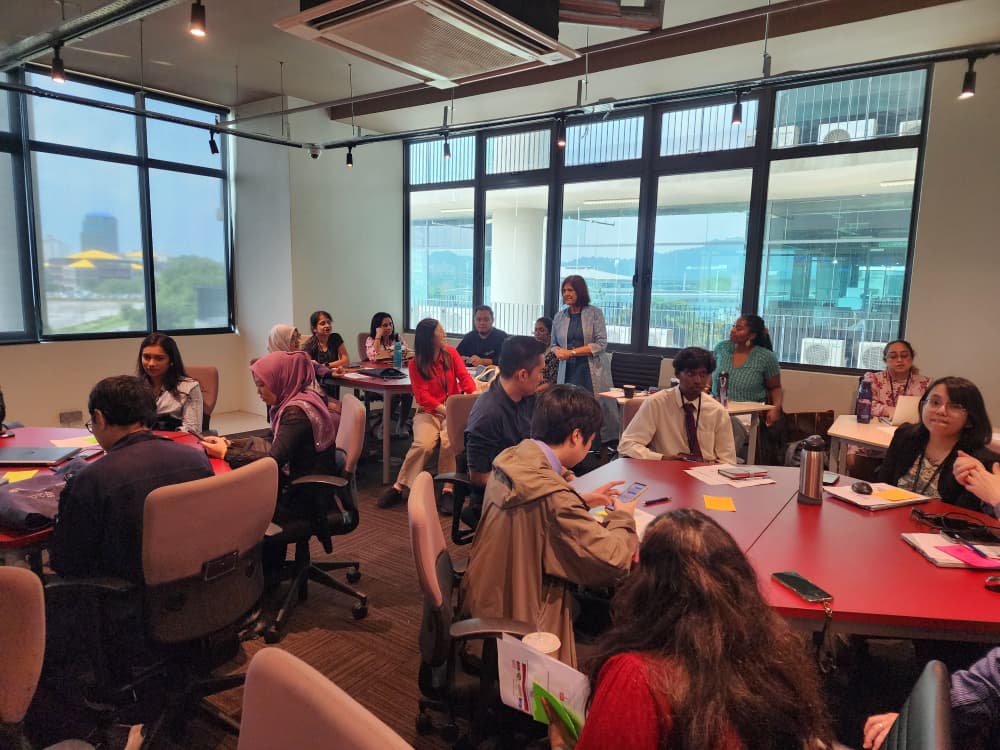
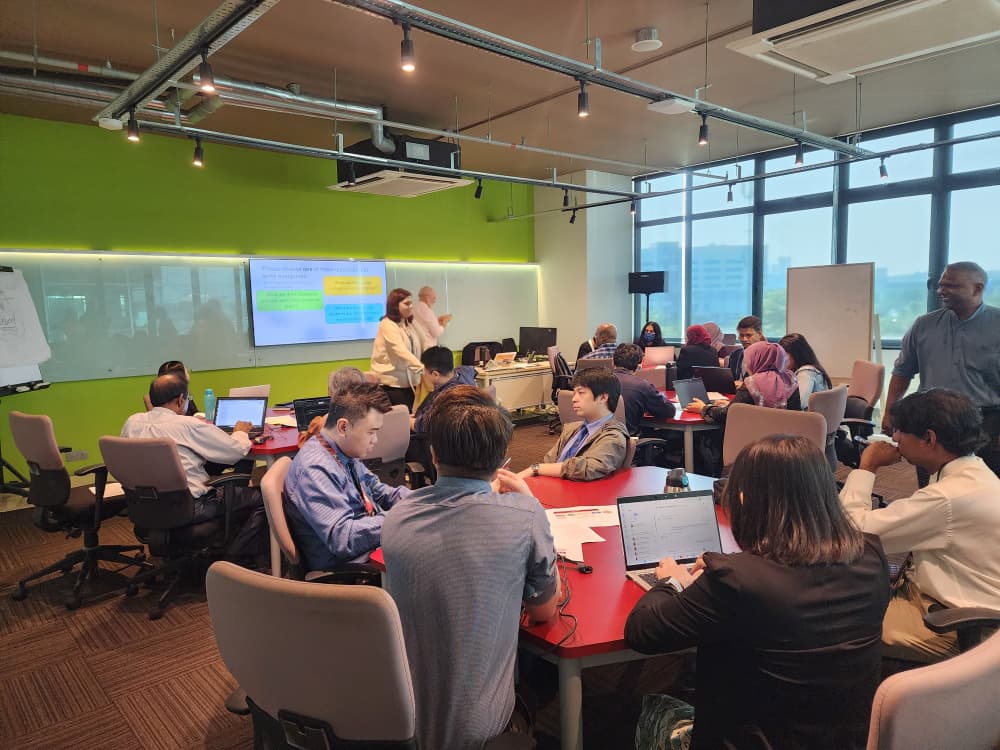
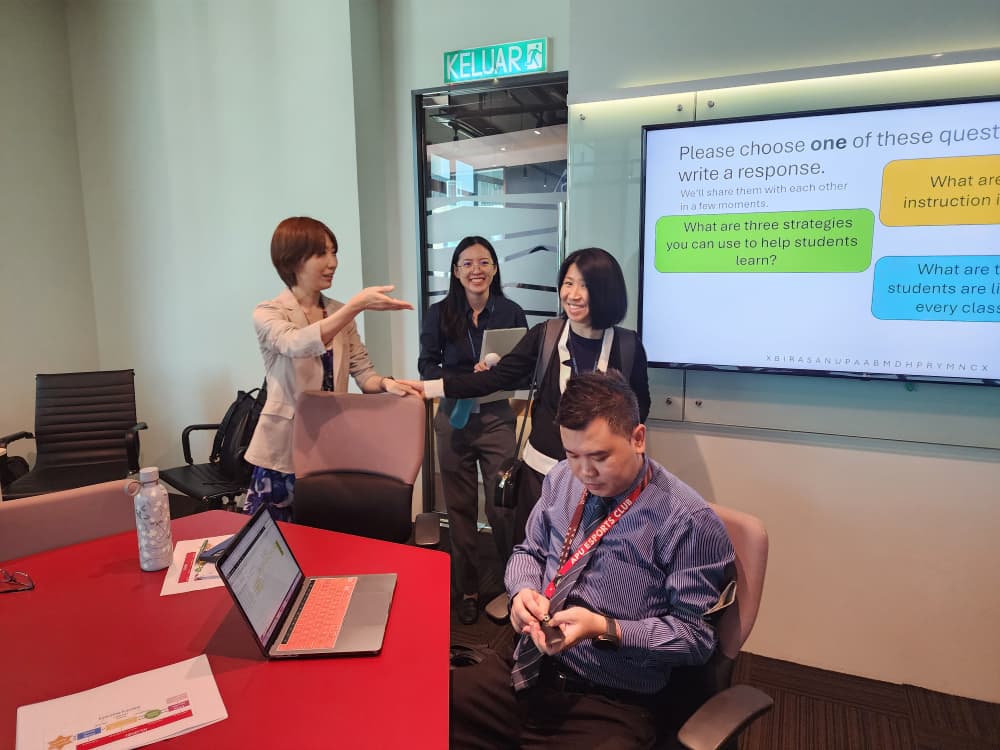
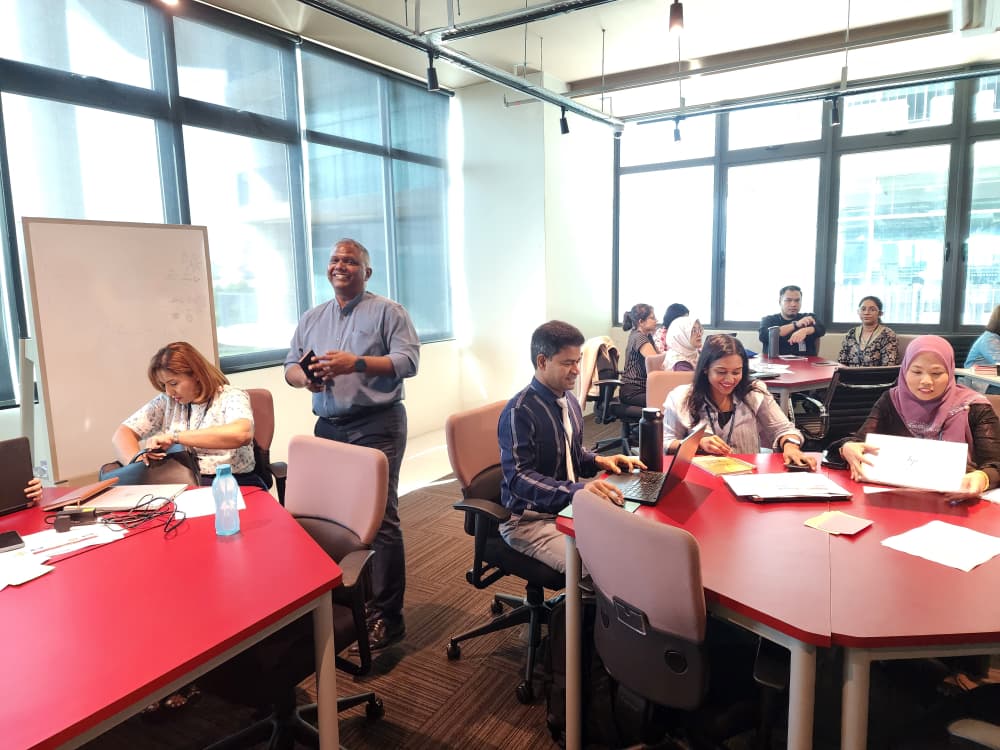
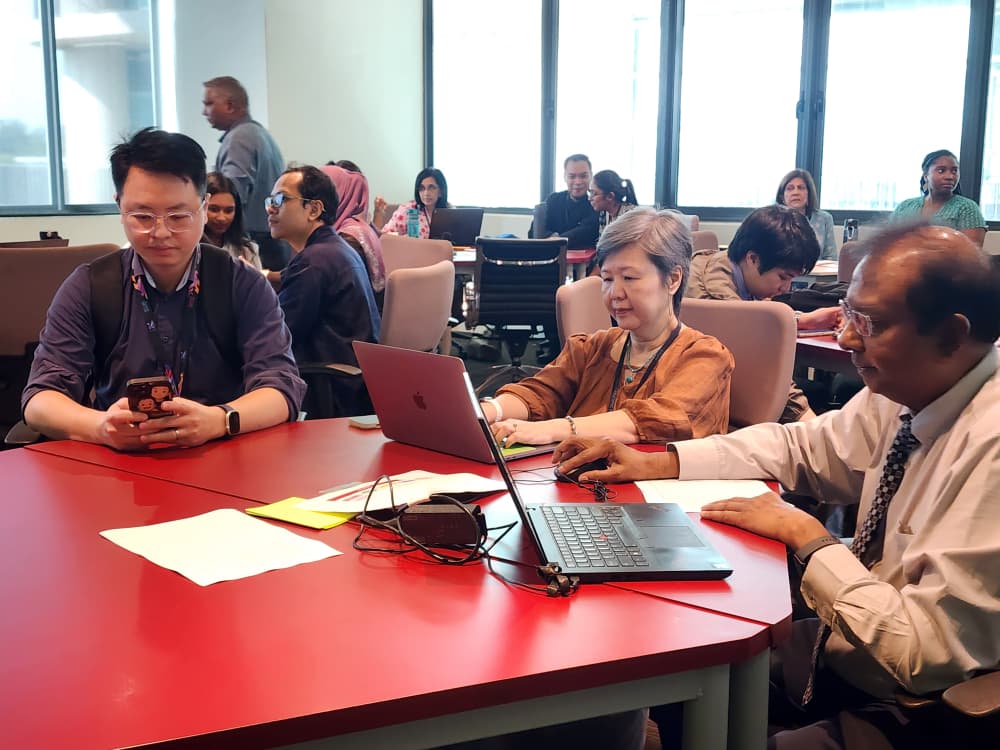
The Master Faster is DLH’s flagship series of focused professional learning workshops designed to help staff quickly develop high-quality teaching materials using APU’s digital platforms and AI-enabled tools. Each session emphasises efficient workflows and hands-on creation, enabling participants to leave with classroom-ready resources that can be applied immediately.
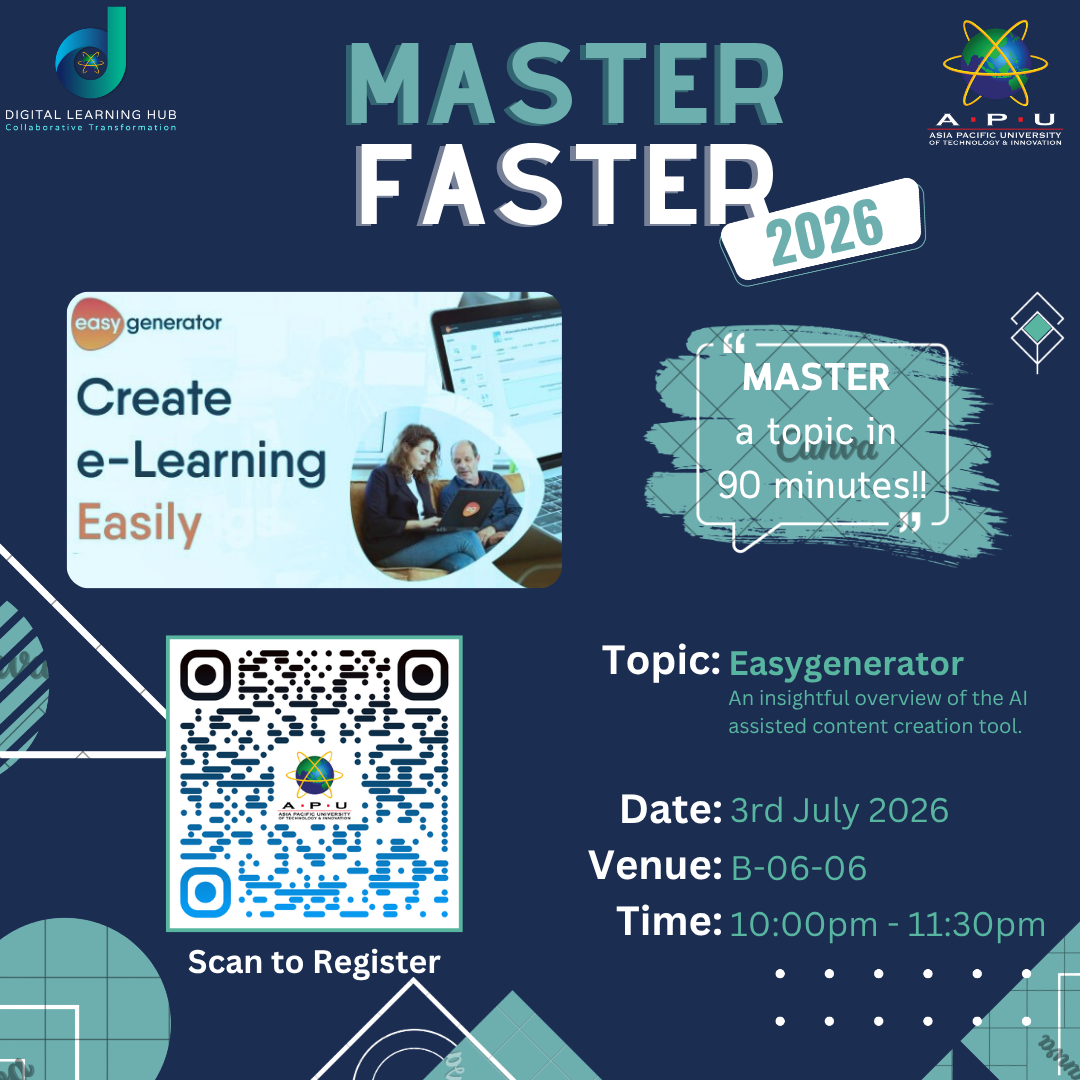
Master Faster EasyGeneratorAn insightful overview of the Al assisted content creation tool.
Date: 3 July 2026
Time: 10:00 am – 11:30 am
Venue: B-06-06
In this session, we will explore how Easygenerator can support content development through practical activities including:
- Course Creation – Building structured learning modules using Easygenerator’s simple drag-and-drop interface and EasyAI.
- Interactive Learning Content – Creating engaging learning experiences using knowledge checks, quizzes, images, videos, and other interactive elements.
- Templates and Content Design – Leveraging ready-made templates and design features to produce professional-looking learning materials efficiently.
- Publishing and Sharing – Exporting and sharing learning content, including integration with Moodle and other learning platforms.
This session is designed to be practical and beginner-friendly. Participants are encouraged to bring a topic, lesson, or existing teaching material that they would like to convert into an interactive learning module during the session.
2026Training Schedule
| Date | Stream | Training | |
|---|---|---|---|
| 30 January 2026 10:00 am* | Content Creation | Moodle | Learn to upload and organise your course materials in Moodle, APU's online learning platform, so students can access readings, slides, and resources in one place. |
| 27 February 2026 10:00 am* | Engagement Tools | Slido/Padlet/MS Forms | Discover three tools for making your classes more interactive: run live polls and Q&A with Slido, collect ideas on a shared digital board with Padlet, and build quizzes or surveys using MS Forms. |
| 13 March 2026 10:00 am* | LMS Activities | Moodle | Go beyond file uploads, set up interactive activities in Moodle such as discussion forums, assignments, and quizzes that let students engage directly within the platform. |
| 27 March 2026 10:00 am* | Content Creation | AI Powered Presentation (PowerPoint) | Use AI features built into PowerPoint to generate slide content, suggest layouts, and produce professional presentations faster, with less manual effort. |
| 10 April 2026 10:00 am* | AI Amplified Educator | Notebook LM | Explore NotebookLM, a Google AI tool that reads your uploaded documents (lecture notes, articles, readings) and helps you generate summaries, study guides, and Q&A from your own content. |
| 24 April 2026 10:00 am* | Engagement Tools | Slido/Padlet/MS Forms | Discover three tools for making your classes more interactive: run live polls and Q&A with Slido, collect ideas on a shared digital board with Padlet, and build quizzes or surveys using MS Forms. |
| 8 May 2026 10:00 am* | Moodle | Assessments | Set up and manage assessments in Moodle, including assignment submission portals, grading rubrics, and online quizzes, all tracked automatically in the gradebook. |
| 22 May 2026 10:00 am* | Content Creation | Canva | Use Canva to design visually engaging teaching materials including infographics, module guides, posters, and social-media-style content, no graphic design experience needed. |
| 5 June 2026 10:00 am* | AI Amplified Educator | NotebookLM | Explore NotebookLM, a Google AI tool that reads your uploaded documents (lecture notes, articles, readings) and helps you generate summaries, study guides, and Q&A from your own content. |
| 19 June 2026 10:00 am* | Moodle | Learning Design | Structure your Moodle course so it mirrors good pedagogical flow, including constructive alignment between learning outcomes, content/activities, and assessments. |
| 3 July 2026 10:00 am* | Content Creation | Gamma | Use Gamma to turn your notes or outlines into polished, web-based presentations and documents in minutes, an alternative to PowerPoint that works well for sharing online. |
| 17 July 2026 10:00 am* | AI Amplified Educator | Generative AI for Assessment Creation | Learn how to use generative AI tools to draft assessment questions, rubrics, and feedback templates across different levels of Bloom's taxonomy, saving preparation time while maintaining academic rigour. |
| 31 July 2026 10:00 am* | Content Creation | Pictory | Convert your written content, such as lecture notes or scripts, into short explainer videos using Pictory's AI, a quick way to create video resources without recording yourself on camera. |
| 14 August 2026 10:00 am* | Moodle | Content Creation | Build content directly inside Moodle using its built-in editor: create formatted pages, embed videos, and produce interactive lessons without needing external tools |
| 28 August 2026 10:00 am* | Generative AI for Teaching and Learning | Generative AI for Classroom Content | Explore practical ways to use generative AI (such as ChatGPT or Copilot) to create classroom-ready materials including case studies, discussion scenarios, and differentiated content for diverse learners. |
| 11 September 2026 10:00 am* | Content Creation | EasyGenerator | Build structured e-learning modules using EasyGenerator, a tool designed for educators with no technical background, allowing you to create self-paced online courses with quizzes and branching content. |
| 25 September 2026 10:00 am* | Moodle | Activities | A hands-on session covering Moodle's activity types, including wikis, workshops, choice activities, and H5P interactive content, to diversify how students engage with your course. |
| 23 October 2026 10:00 am* | Engagement Tools | Slido/Padlet/MS Forms | Discover three tools for making your classes more interactive: run live polls and Q&A with Slido, collect ideas on a shared digital board with Padlet, and build quizzes or surveys using MS Forms. |
| 6 November 2026 10:00 am* | AI Amplified Educator | NotebookLM | Explore NotebookLM, a Google AI tool that reads your uploaded documents (lecture notes, articles, readings) and helps you generate summaries, study guides, and Q&A from your own content. |
| 20 November 2026 10:00 am* | Content Creation | Canva | Use Canva to design visually engaging teaching materials including infographics, module guides, posters, and social-media-style content, no graphic design experience needed. |
| 27 Movember 2026 10:00 am* | AI Amplified Educator | Generative AI for Assessment Creation | Learn how to use generative AI tools to draft assessment questions, rubrics, and feedback templates across different levels of Bloom's taxonomy, saving preparation time while maintaining academic rigour. |
*Master Faster workshops are held every other Friday at 10:00 AM, unless otherwise stated.
Check this space for the latest updates!
Highlights
MASTER FASTER SERIES